
A to-do list app that stays simple as it grows.

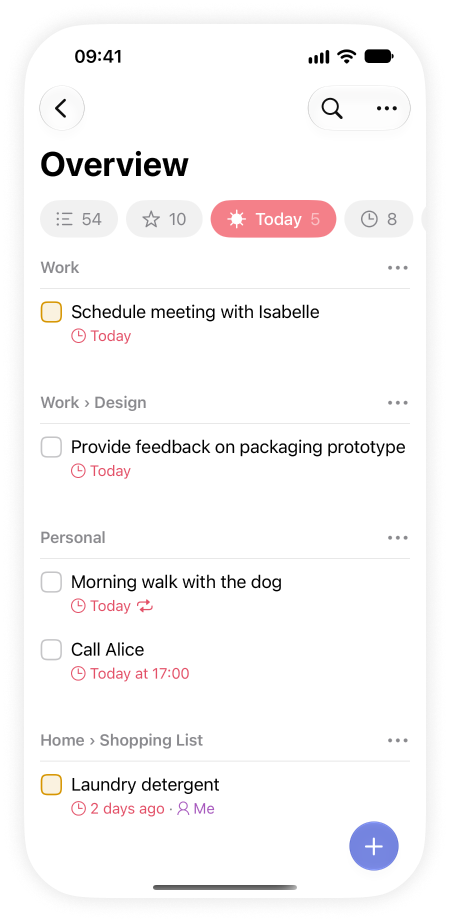
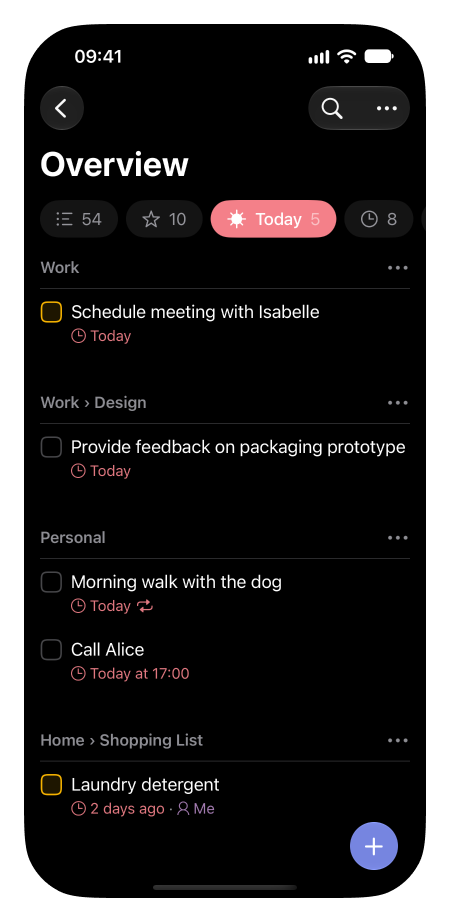
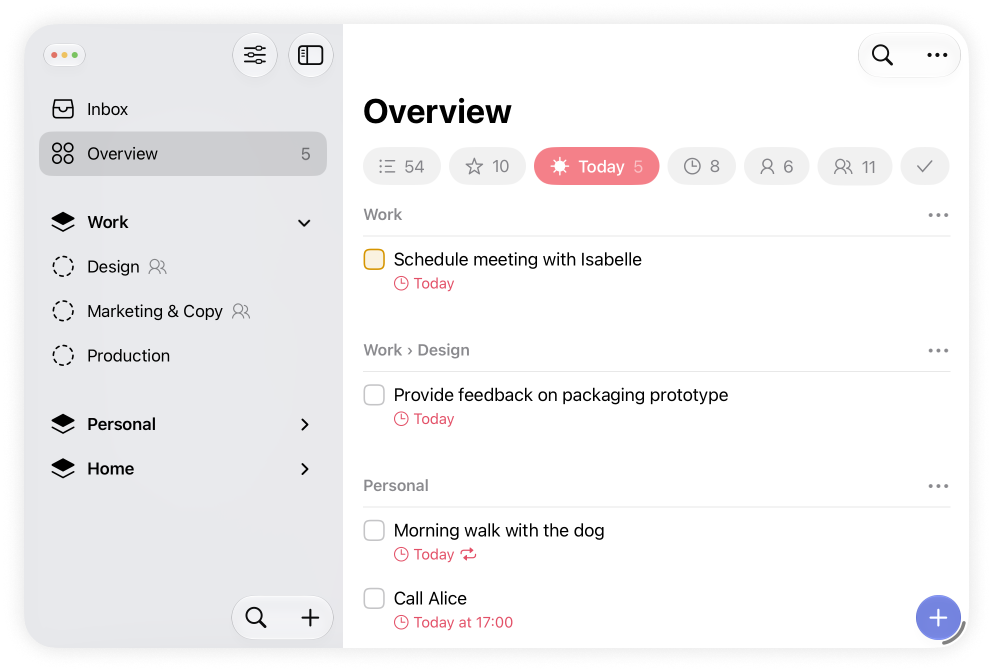
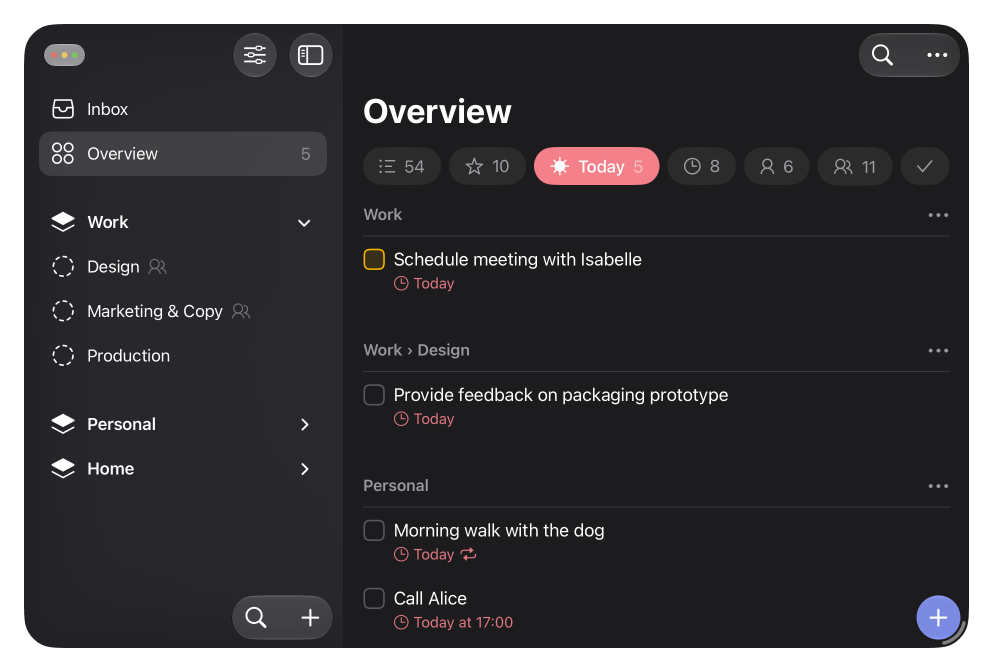
Structure that scales.
Group related lists into spaces, so work and home stay separate. Break any list into sections. It's deep enough to hold a whole life, and simple enough to stay out of your way.
Focus, without the setup.
Apply filters like Starred, Today, or Scheduled at any level — across everything, inside a space, or within a single list. No tags to manage, no searches to save, no setup. See only what matters, nothing else.
Share with the people close to you.
Share a list with your partner, your family, or anyone close to you, and work on it together. Changes sync to everyone in real time. Assign items to keep things moving. Start sharing with Messages, Mail, or a link.
Private by design. No account.
There's no sign-up and no separate account. Lista syncs through your own iCloud, so your data stays yours, invisible to us. Export it anytime.
Built for Apple.
Lista is deliberately built exclusively for the Apple ecosystem. That lets it integrate deeply with each platform and feel right at home on iPhone, iPad, and Mac.
Start free. Upgrade anytime.
Start free with every feature. Upgrade to Pro when you need room to grow.
Free
- Up to 2 spaces, 5 lists, and 5 sections per list
- Unlimited items
- Filters everywhere
- Search in any view, or across everything
- iCloud sync on all your devices
- Shared lists, in real time
Lista Pro
- Unlimited spaces, lists, and sections
Everything in Free, with the limits lifted, so your system can keep growing. - Family Sharing
Share your subscription with up to 5 family members. - One subscription for all platforms
Use Pro on iPhone, iPad, and Mac. -
$2.99/month
$29.99/year
7-day free trial
Questions, answered.
Yes. Filter by Today, Starred, or Scheduled across everything, inside a single space, or within one list. There are no tags to manage and no searches to save — nothing to configure. You see only what matters, nothing else.
Yes. Share any list with your partner, your family, or the people close to you, and you can all work on it together. Changes sync to everyone in real time. Assign items so everyone knows what's theirs. You can start sharing with Messages, Mail, or a link.
No. Lista uses your own iCloud, so there's no separate account to create.
Yes. As you type an item, Lista spots dates like “tomorrow”, “next Monday”, or “Aug 15 at 9am”, and offers to set them as the schedule. Type “Call Alice tomorrow morning”, accept the suggestion, and you're left with a clean “Call Alice”, scheduled for tomorrow morning. You can also type dates this way in the Schedule view, instead of picking them from the calendar.
Yes. Give any item a date, and set it to repeat on a schedule or after you complete it.
Yes. Set a date and time, and Lista notifies you when it's due — on iPhone, iPad, and Mac.
Yes. Find anything across all your spaces, lists, and sections from one place, or search just the view you're in.
Yes. Lista fully supports iPhone Duo and adapts naturally to every pose, so you can use it however you hold your phone, folded or unfolded. On the inner display, put it side by side with another app and drag content between the two.
Everything you've made stays, and you can keep viewing and editing all of it. Until you renew, you can't add new spaces, lists, or sections beyond the Free limits.
Simple as it grows.